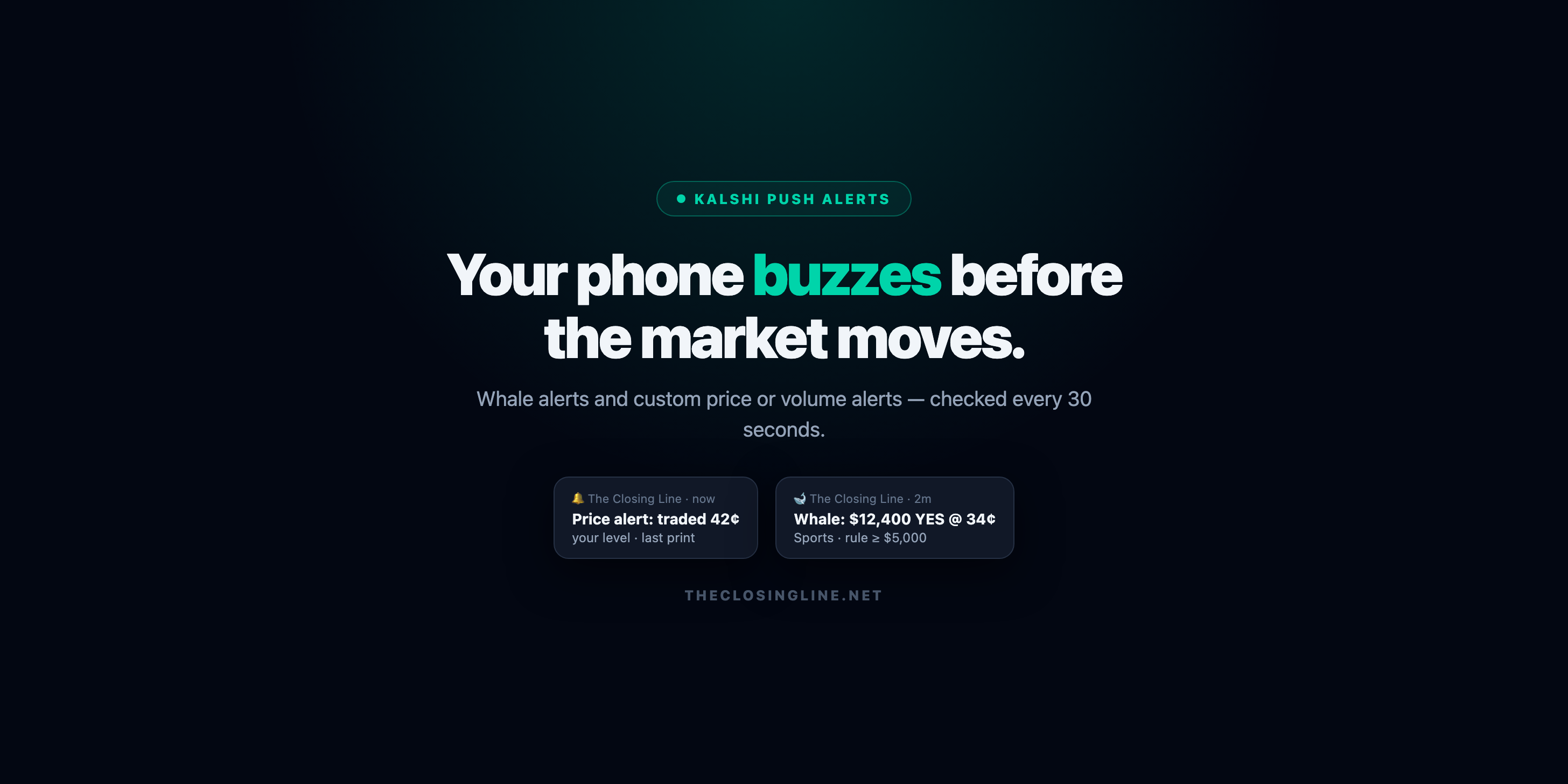
Every Kalshi trader knows the feeling: you know your price — the dip you'd buy, the spike you'd sell into — and the market hits it while you're in a meeting. Kalshi price alerts fix that. Set your level once, and your phone buzzes within seconds of the print. Add whale alerts on top, and you'll also know the moment big money moves on any Kalshi market.
This is the full setup guide. It takes about three minutes, one time.
What are Kalshi price alerts?
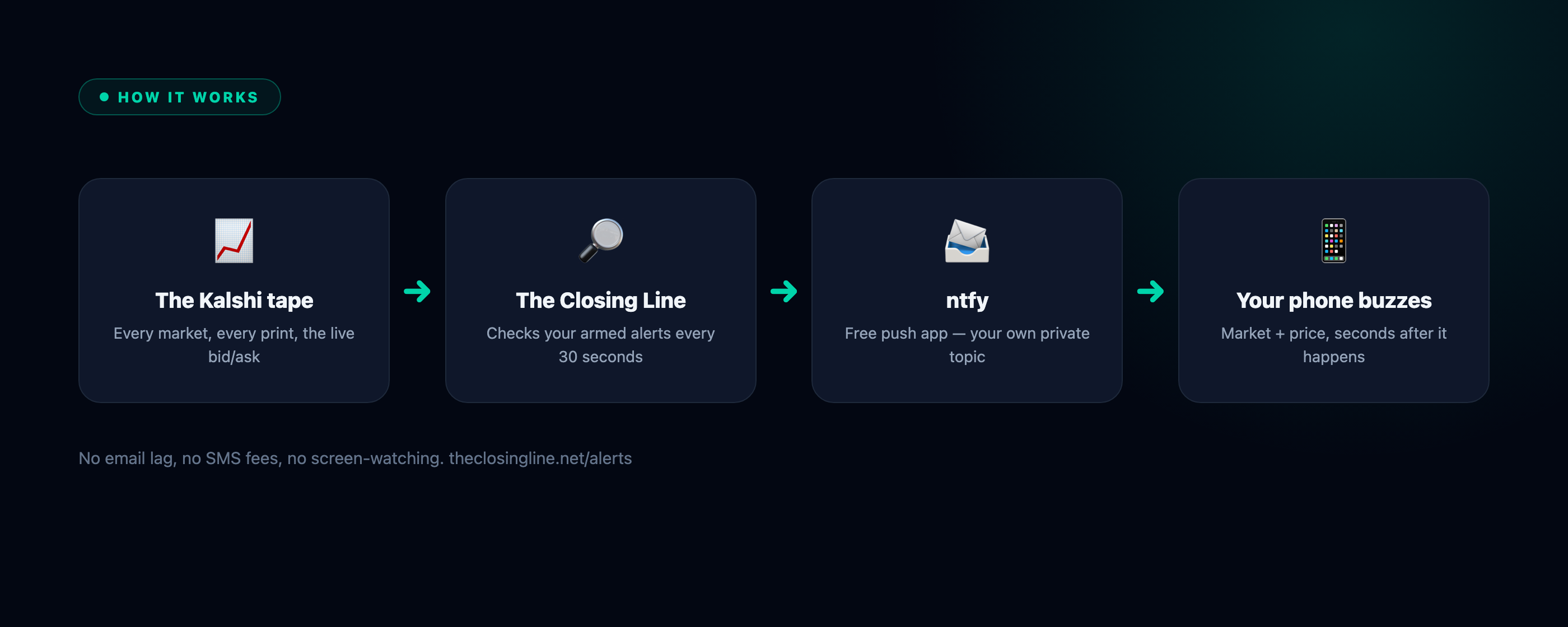
A Kalshi price alert is a push notification that fires when a market you're watching trades at (or through) a price you chose. On The Closing Line you can arm an alert on any Kalshi market — sports, politics, crypto, anything — at any price from 0.01¢ to 99.99¢, and choose whether it triggers on the last print (someone actually traded there) or the live YES bid/ask (the book touched your level). Every armed alert is checked every 30 seconds, around the clock.
Whale alerts are the second kind: instead of a price, you set a volume rule — a category and a minimum trade size — and get pinged when a print that big hits the tape.
What you need
- A Closing Line Premium membership — both alert engines are included.
- The free ntfy app on your phone (iOS or Android). No phone number, no account with us, no email lag — ntfy is an open push-notification app, and we publish to a private channel only you know.
Setting up Kalshi push notifications (3 steps)
Head to the alerts page and you'll see the three steps waiting:
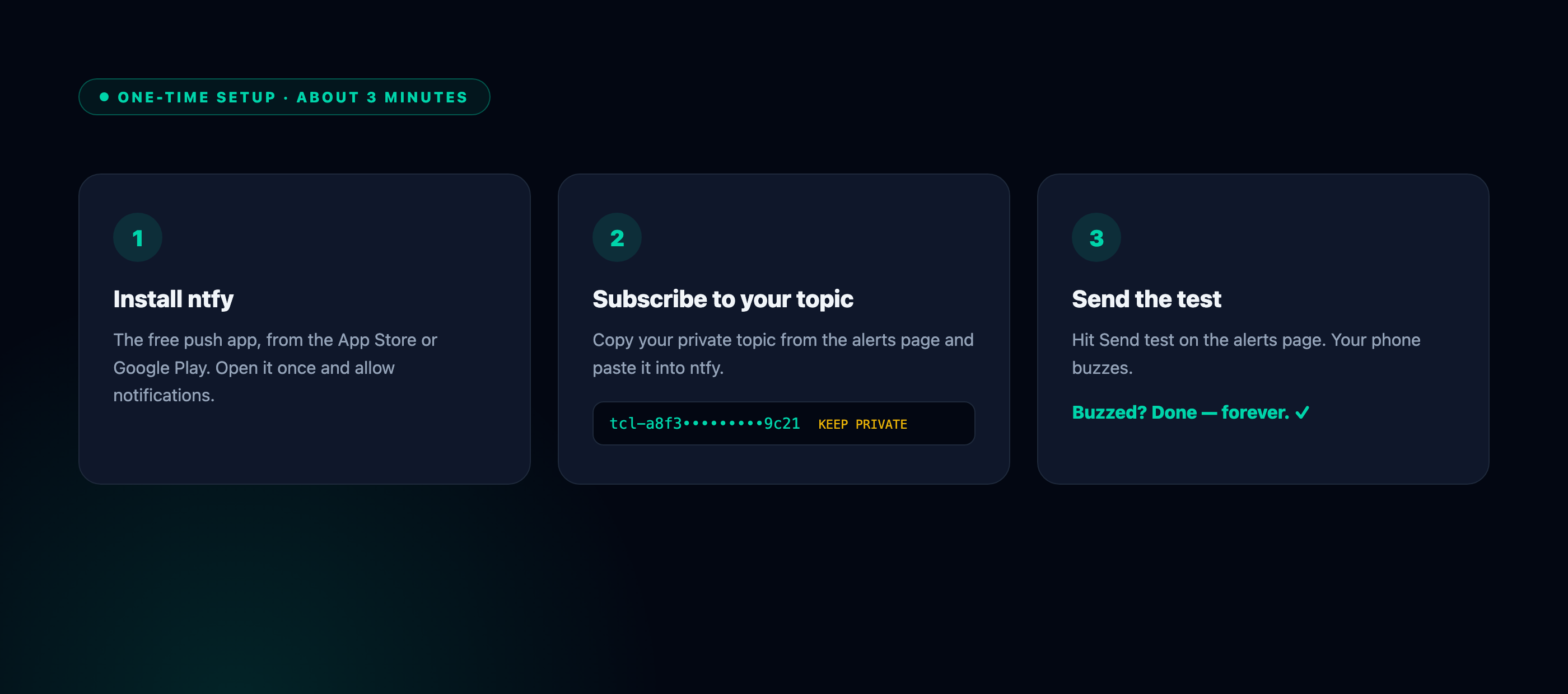
- Install ntfy from the App Store or Google Play, open it once, and allow notifications.
- Subscribe to your topic. Copy your personal topic from the alerts page and paste it into ntfy under Subscribe to topic. Treat that string like a password — it's the key to your alerts.
- Send the test. Tap Send test on the alerts page. Your phone buzzes. Done — forever.
No phone handy? Your topic also works in any browser, so alerts can land on a desktop too.
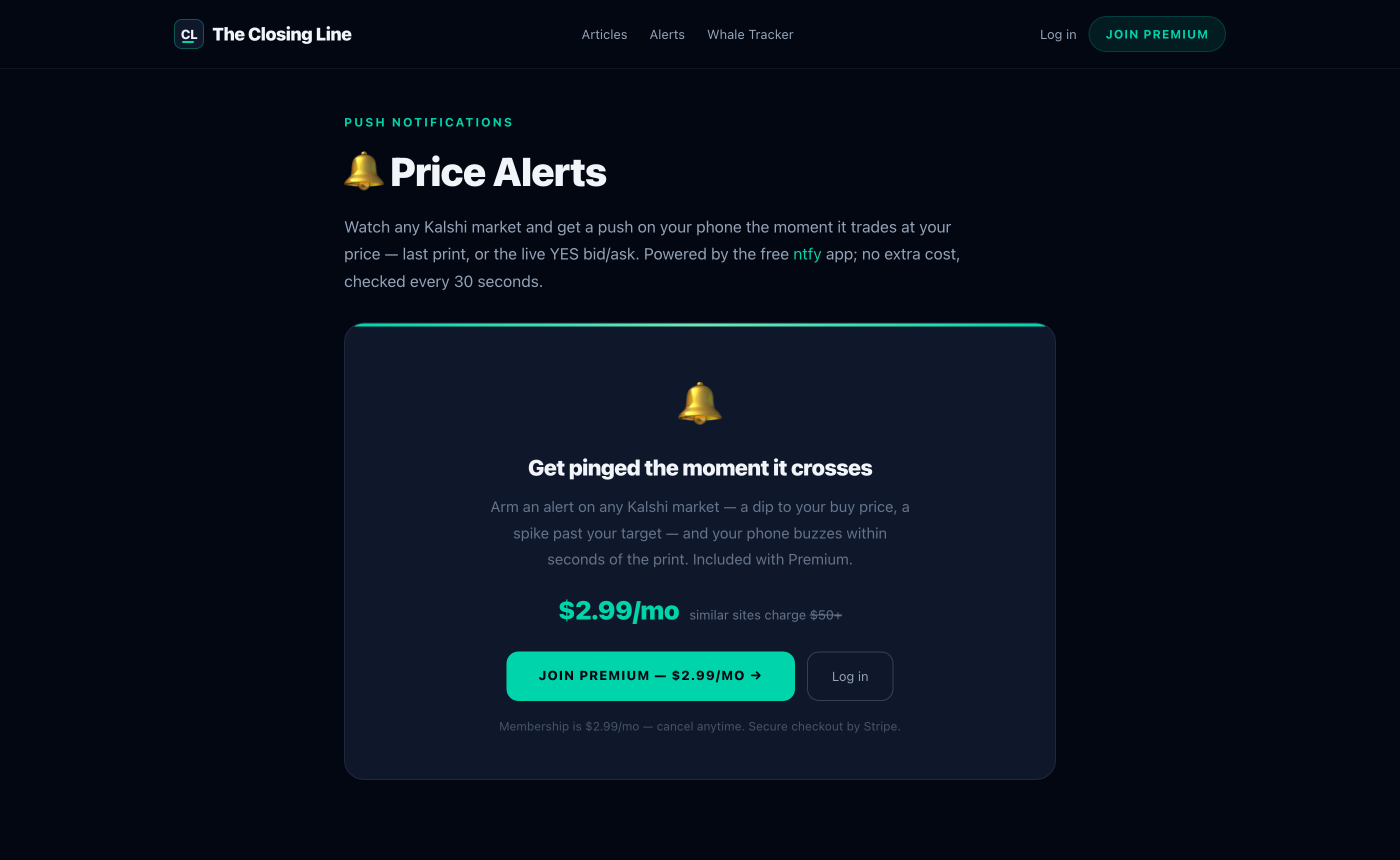
Here's the alerts page you'll be working in:
Creating custom price alerts on any Kalshi market
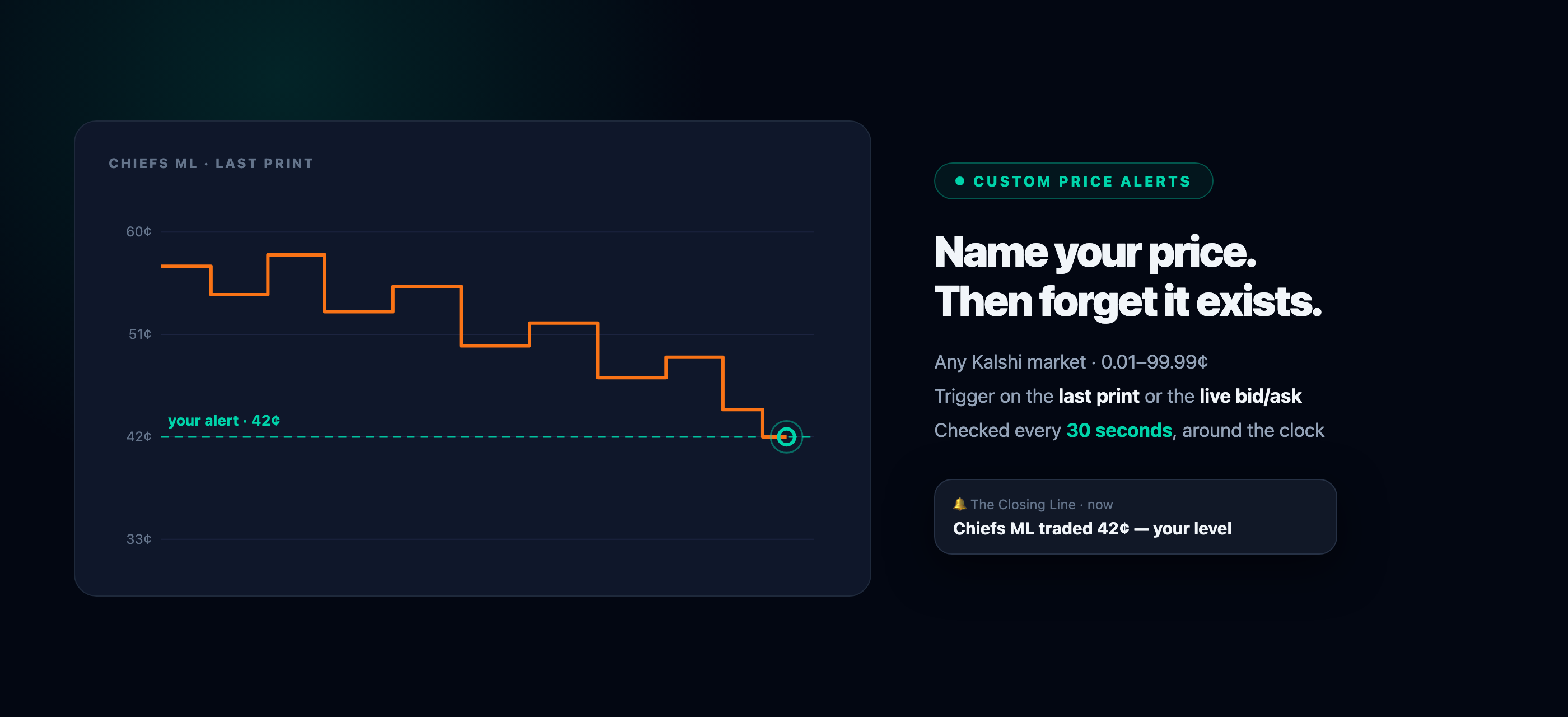
Arming an alert takes ten seconds: pick the market, set your price, choose last-print or bid/ask. A few patterns that earn their keep:
- The patient entry. You like a market at 42¢; it trades 48¢. Arm 42¢ and forget it exists. If the dip comes at 2 a.m., you'll know by 2:00:30.
- The take-profit tap. Holding from 30¢ with an 85¢ target? Arm it and stop checking. The alert is the checking.
- The book-touch early warning. Trigger on the bid/ask when you care that the market got there — the ask dropping to your buy price is often the earliest honest signal.
Kalshi whale alerts: know when big money moves
The Whale Tracker is our live feed of the biggest trades on Kalshi — block prints ranked by size. The whale alerts card on that page turns it into a notification engine:
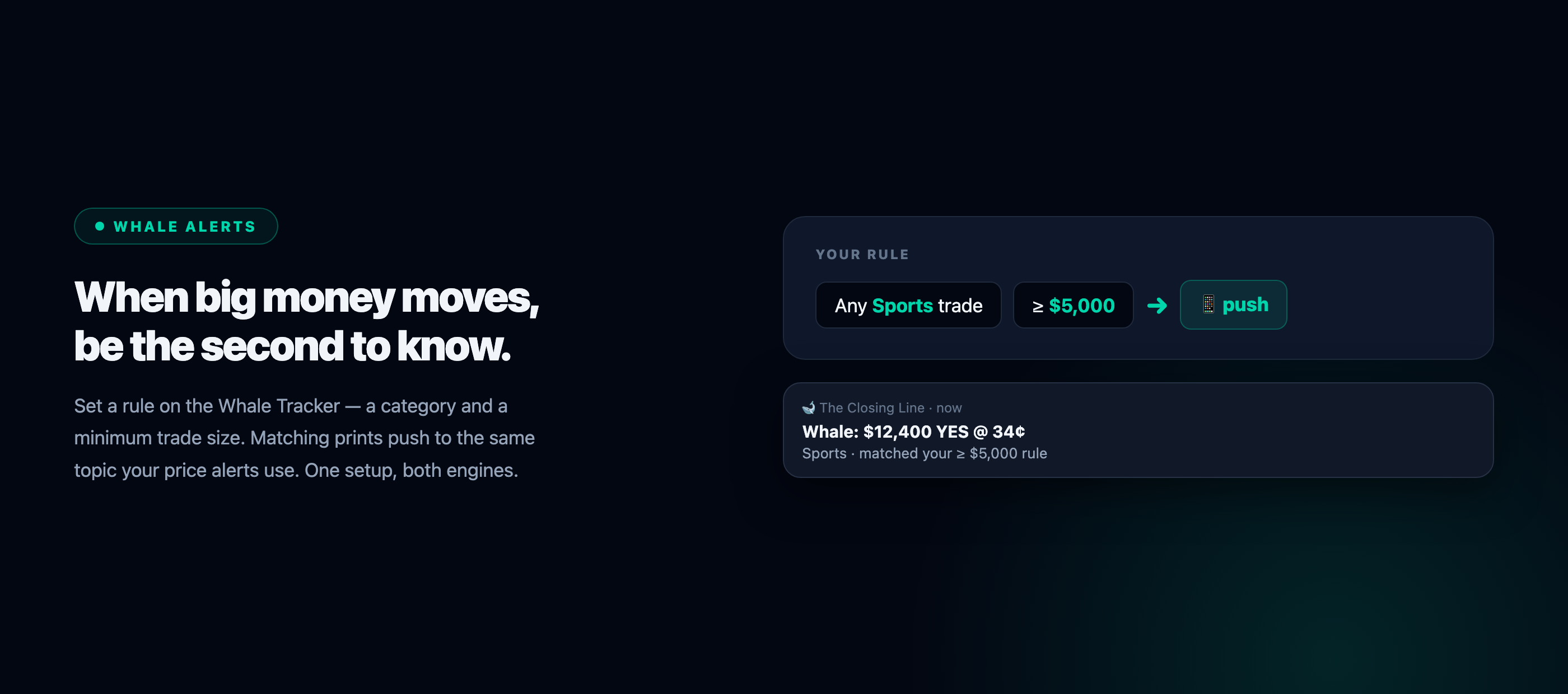
Pick a category (or all of them) and a minimum trade size — any Sports trade over $5,000 — and matching prints push to the same private topic your price alerts use. One phone setup covers both engines.
A sneak peek at the tracker itself:
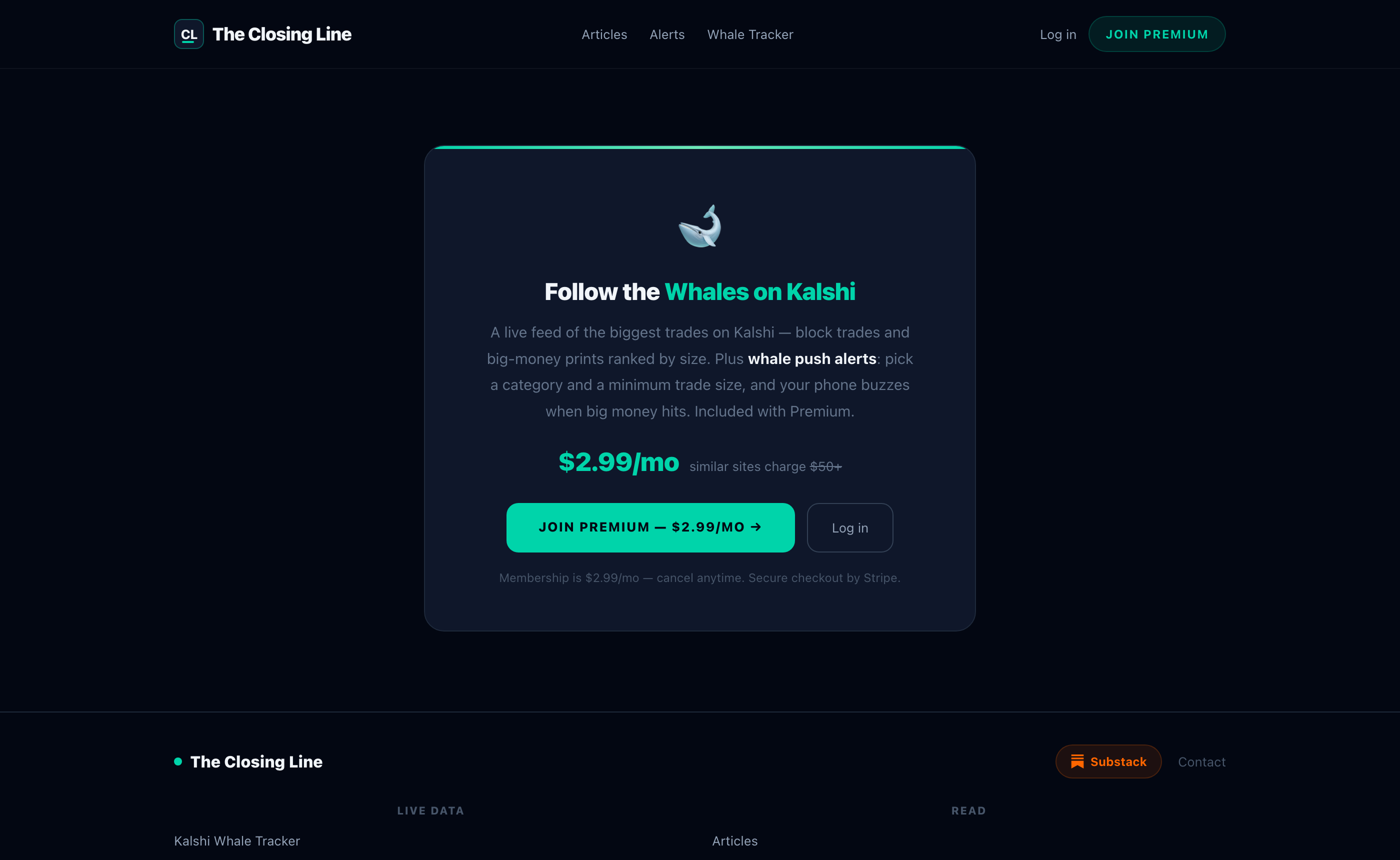
Why it matters: big prints are information. When someone puts five figures into a sleepy market, you want to be the second person who knows — not the one who finds out from the price three hours later.
Kalshi alerts FAQ
Are Kalshi price alerts free?
The ntfy app is free and we charge nothing extra for alerts — they're included with a Closing Line Premium membership, along with the whale tracker.
How fast are the alerts?
Every armed alert — price and whale — is checked every 30 seconds, 24/7. From print to pocket is typically well under a minute.
Do I need to keep anything open?
No. ntfy delivers real push notifications; your phone buzzes with the app closed and the screen off.
Can I get alerts for big Kalshi trades?
Yes — that's exactly what whale alerts are. Set a category and a minimum dollar size on the Whale Tracker and you'll get a push whenever a trade that large prints.
Set up your alerts → — three minutes now, and the market comes to you from then on.